Intro
Hi, I'm Alex Volkov, a Principal Software Engineer at HERE. I began my Android development journey back in 2012, when version 2.3.2 was still current. I’ve witnessed all the transformations and paradigm shifts in mobile development firsthand — and I evolved along with the platform itself.
That’s why I believe I have a solid grasp of both the trends and the underlying philosophy of Android. The platform has gradually shifted from focusing purely on functionality and unification toward delivering wow moments — and those wow moments come from UI effects.
Starting with Android 13, we’ve been given the ability to apply custom shaders directly to views. That’s a whole new world — one that, unfortunately, remains unfamiliar to many Android developers.
With this book, I want to help break down that wall.
How to read that book
I wrote this book to be easy to follow, even though it's about technical topics. The order in which you read the chapters matters. We will start with the basics and slowly move to more complicated ideas. The examples are arranged in a way that makes sense, introducing new techniques when needed. We'll begin with simple things like drawing a circle by calculating distances. Later, we'll discuss more complex topics like what SDF (Signed Distance Functions) means. I will use terms like this throughout the book, assuming you understand them as we go. This book starts from the very beginning for those new to shaders, and it will not repeat explanations in later chapters. If something is not clear, it might be helpful to go back and read previous chapters.
Take your time with this book, understand each concept, and try out your ideas. This is the best way to learn shaders. This book will guide you through the fascinating world of shader programming in Android development. Now, let’s get started. I’ve also created a public repository that contains every effect described in this book. Here’s the link: AleksiejVolkov/runtimeshadersexamples.
Let me say it again: creating shaders is an incredibly fascinating and mesmerizing process, though it can feel unfamiliar at first — especially for beginners. Take your time. Open each effect, tweak the parameters, try adding something of your own, and observe the result.
I’ve done my best to make your entry into this world as smooth and enjoyable as possible. Good luck!
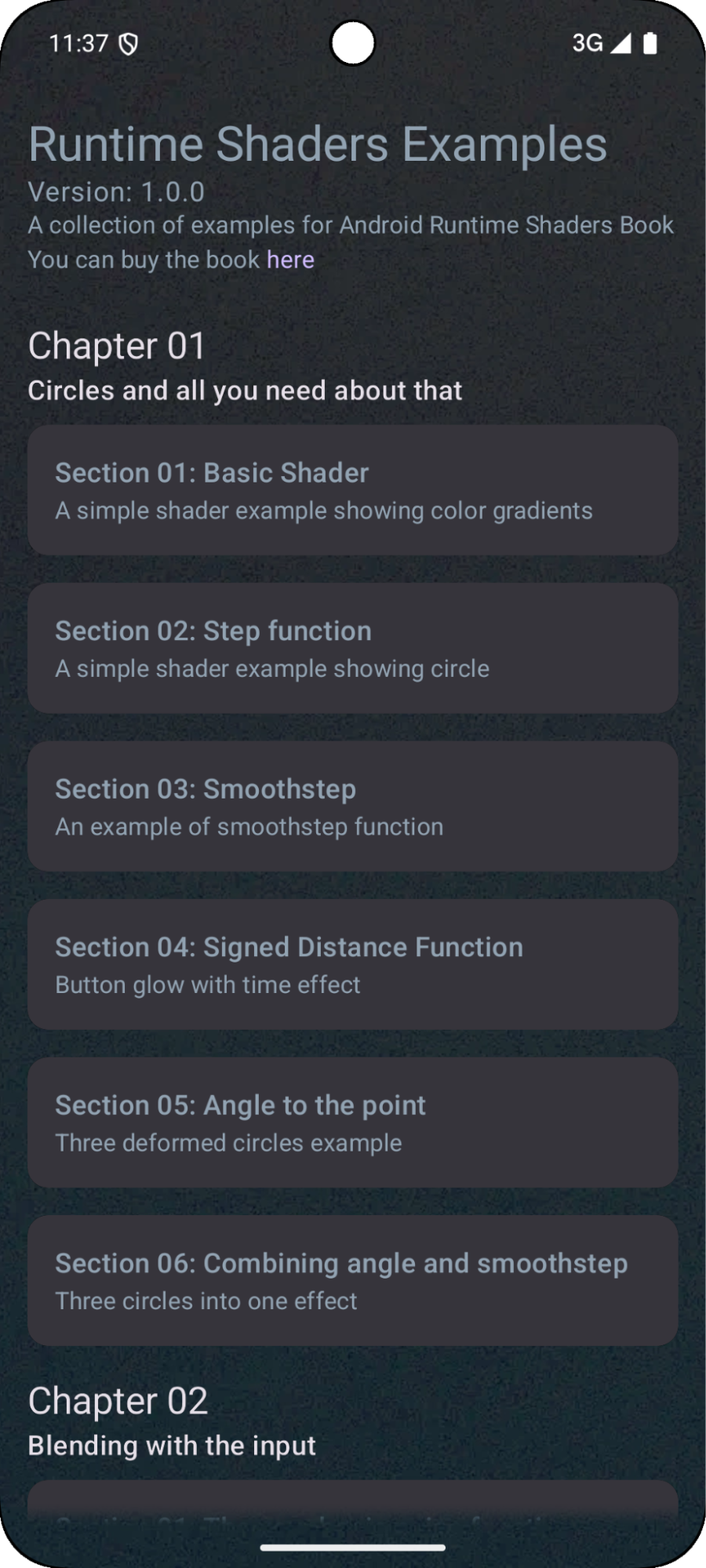
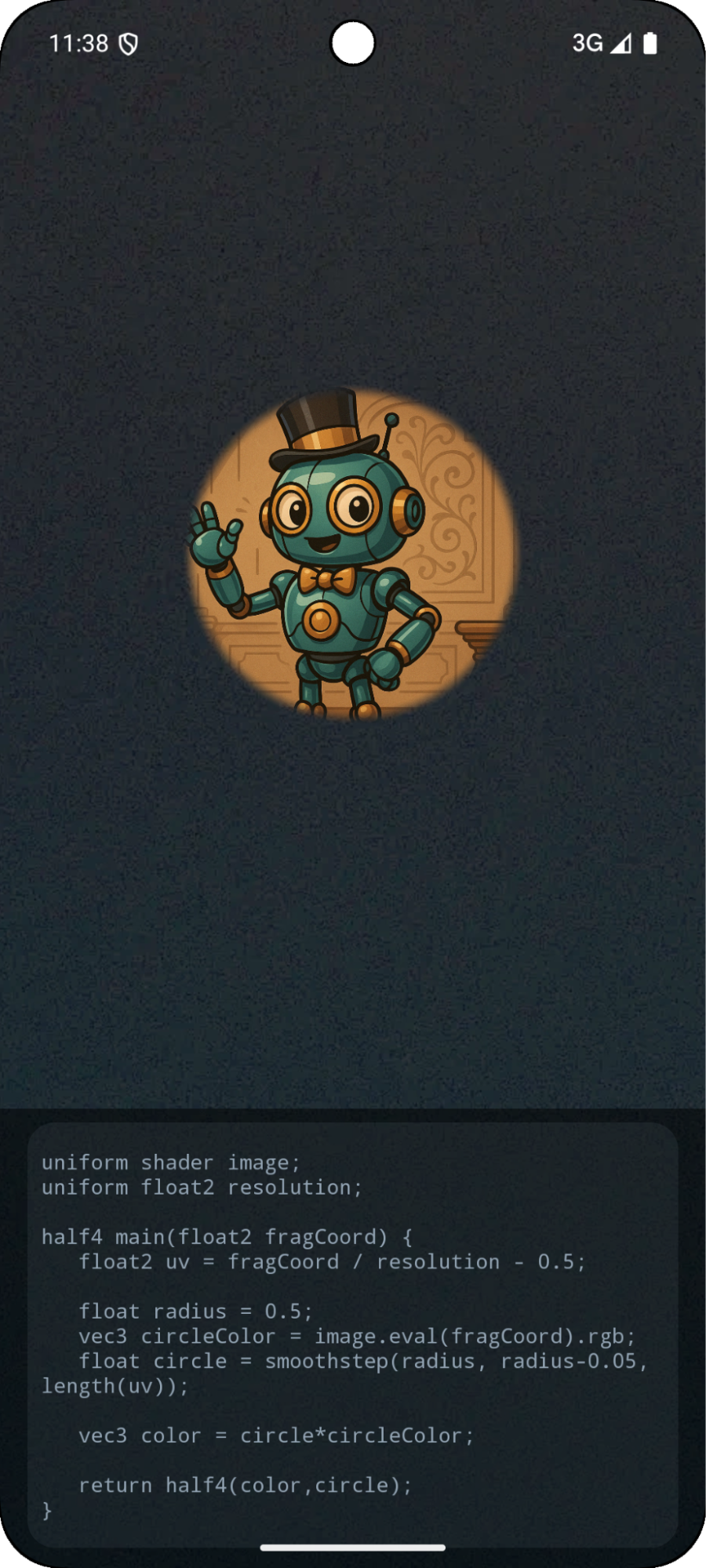
The app screenshot